From Email Attachments to a Controlled Document Workflow
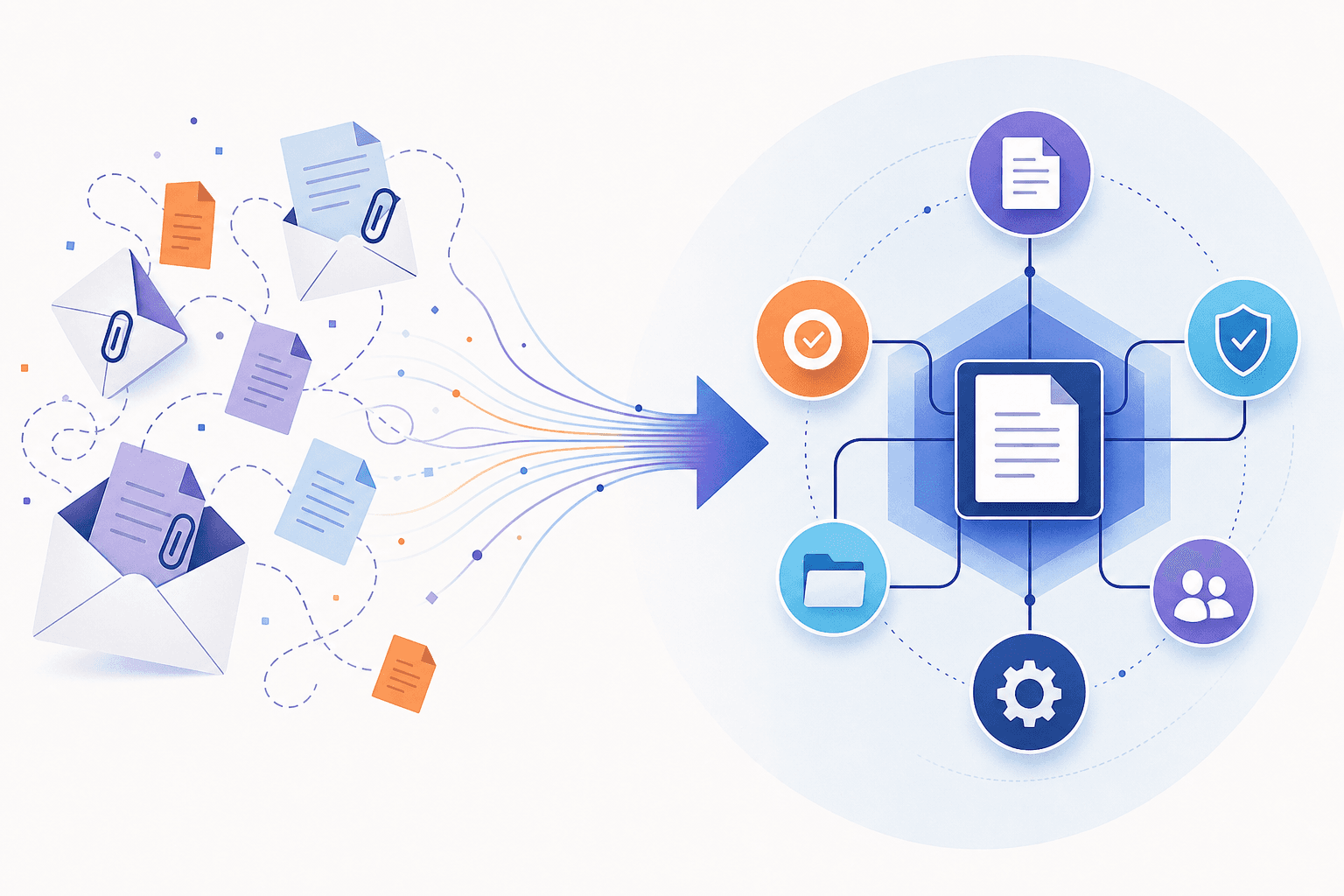
Turn email attachments into a controlled document workflow by separating intake, extraction, validation and execution. Give every attachment a durable record, let AI propose structured data, and allow downstream updates only after explicit checks. The critical design question is not whether a model can read a PDF; it is whether every received document reaches a known outcome without silent loss, duplicate action or unauthorized changes.
Make attachment intake an accountable process
Start with one mailbox, a small set of document types and one destination system. Define what counts as eligible input: supported formats, maximum file size, permitted business purposes and required information. Assign an operations owner to resolve rejected or ambiguous submissions.
Create a record for each attachment, not just each email. One message might contain a useful form, supporting evidence and an irrelevant signature image. Preserve the message identifier, attachment identifier, received time, original filename and a cryptographic hash—a fingerprint calculated from the file contents.
Use these records to distinguish three situations:
- Repeated delivery: the same mailbox event arrives again; resume or return the existing result.
- Repeated content: identical bytes appear in another message; link the submission to the earlier document, subject to business context.
- Revised content: a similarly named file contains different bytes; retain it as a separate version rather than overwriting evidence.
A hash identifies identical content, not business equivalence. Two different scans may represent the same document, so duplicate checks may also need a validated document reference.
Persist intake before acknowledging completion to the mailbox connector. Reconcile mailbox contents against intake records periodically, so a missed notification does not become a permanently missing document. Scan files for malware, verify actual file types and isolate unsafe or unsupported inputs before parsing.
Keep AI inside a bounded processing pipeline
Prefer application-controlled stages over an agent that freely decides what happens next. Microsoft's orchestration guidance distinguishes direct model calls from tool-using agents and multiagent systems, noting that additional complexity brings coordination costs and failure modes. For predictable attachment processing, ordinary workflow code plus focused model calls is a sensible starting recommendation.
A practical sequence is:
- Read: extract embedded text or use optical character recognition (OCR), which converts scanned text into machine-readable text.
- Classify: propose an allowed document category, including an unknown category.
- Extract: return fields under a schema—a defined set of names, types and required values—with page references where available.
- Validate: check required fields, permitted values, cross-field consistency and matches against authorized business records.
- Route: send the result to review, rejection or an approved destination operation.
Do not let a failed stage feed apparently valid output into the next. Missing values should remain missing rather than being filled with plausible guesses. Model confidence alone is not evidence that an extracted identifier belongs to the correct account.
Store processing status, model and extraction-rule versions, validation results and reviewer changes. Limit access to originals and derived text, and define retention periods for both; diagnostic logs should not become an uncontrolled second document archive.
Treat email content as evidence, never authority
Prompt injection means malicious input attempts to redirect a model's behavior. The OWASP prevention guidance identifies email attachments and hidden document content as indirect injection channels and recommends layered controls, including instruction/data separation, output validation and restricted permissions.
For this workflow, the extraction model should have no mailbox-send capability or destination-write credentials. Treat email bodies, filenames, extracted text and document metadata as untrusted material. Validate returned fields in code and reject unexpected output fields. Do not allow document text to select tools, recipients or approval rules.
Filters can help flag suspicious instructions, but they are not a security guarantee. Keep consequential changes behind application authorization and, initially, human review. A reviewer should see the source evidence alongside the exact proposed update; the broader design is covered in placing approval between AI proposals and execution.
Worked example: a delivery receipt with conflicting quantities
Illustrative example: A logistics inbox receives a scanned delivery receipt for shipment SH-482. The model extracts 24 cartons and links the value to page one. The shipment system expects 30 cartons.
The validator identifies a quantity mismatch and moves the attachment to needs_review. It does not mark the shipment fully received. The reviewer sees the scan, extracted quantity and expected quantity, then confirms a partial delivery of 24 cartons. The application records that decision and submits the authorized update.
If the destination times out after submission, do not blindly repeat the write. Use an idempotency key—a stable operation identifier that prevents repeated requests from creating repeated effects—where supported. Otherwise, reconcile the destination result before retrying. Keep uncertain writes in a visible pending state.
A password-protected scan follows a different exception path: stop before extraction, assign an owner to request an accessible replacement and retain the original intake record. Set queue-age alerts so neither business exceptions nor technical failures disappear into an unattended folder.
Evaluate delivery integrity as well as extraction
Before release, use a labelled test set spanning clear scans, poor scans, multiple attachments, revisions, duplicates and malicious instructions. Agree acceptance criteria with operations and security owners:
- Intake completeness: every eligible test attachment has a record and visible outcome.
- Field quality: measure exact-match accuracy separately for critical identifiers and routine fields.
- Exception routing: all seeded missing-field and conflicting-record cases reach review without downstream writes.
- Recovery: replay notifications and simulate timeouts; require zero duplicate business updates in those tests.
- Security: injected instructions cause no unauthorized actions or disclosures in the test suite.
- Operational cost: track review minutes, queue age, completion time and total cost per completed document.
Test results are release evidence, not guarantees. Begin with reviewed writes, monitor failures and expand only within measured boundaries. To scope that first controlled inbox workflow, contact AIoverflow.
Sources & further reading
Prepared with AI assistance using the sources above and AIoverflow’s service context. Examples are illustrative; validate implementation decisions against your own requirements. Suggest a correction.